
AirPods from Apple are among the most popular wireless headphones on the market. But what to do if you have an Android device? Don't worry, you can still enjoy the high-quality sound and convenience of AirPods by connecting them to your Android gadget. In this guide, we will explain step by step how connect Airpods headphones to Android.
Get your AirPods ready
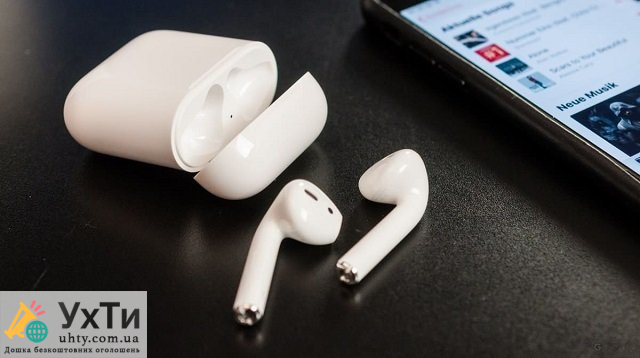
Before starting the connection process, make sure that your AirPods are in good condition and have enough charge to work. To do this, open the cover of the charging case and make sure that the charge indicator lights up.
Turn on Bluetooth on your Android device
Go to the settings of your Android device and find the section "Network and connections" or "Wireless networks and devices". Then select “Bluetooth” and enable this function if it is not already activated.

Pairing mode on AirPods
Open the cover of the AirPods charging case. On the back of the case you will see a small button. Press and hold it until the indicator on the case starts flashing between white and orange. This means that your AirPods are ready for pairing.
Search and connect AirPods on Android
On your Android device, go to the Bluetooth section. You will see a list of available devices. Your AirPods should appear in this list with the name you gave them. Click on the AirPods name to start the connection process.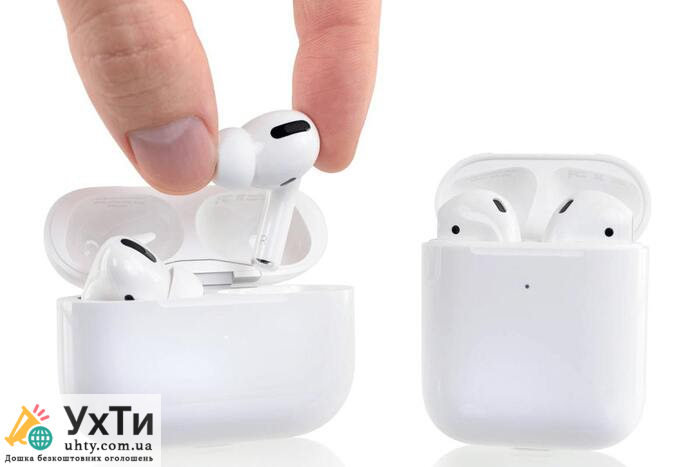
Password confirmation (if required)
In some cases, Android may require you to enter a password to connect to AirPods. Usually this is the standard password “0000”. Enter the ego and confirm the input.
Connection completed
After successfully entering the password, AirPods will be connected to your Android device. You will hear a beep and the indicator on the AirPods case will change to the “connected” state.
Now you can enjoy high-quality sound from your AirPods on your Android device. It is important to remember that although the basic functions of AirPods will work on Android, some additional functions, such as automatic playback pause when removing the earphone, may not be available.
In conclusion, connecting AirPods to an Android device is quite simple and allows you to enjoy high-quality wireless sound regardless of your operating system. By following the steps above, you can easily configure your AirPods to work with your Android gadget.

