
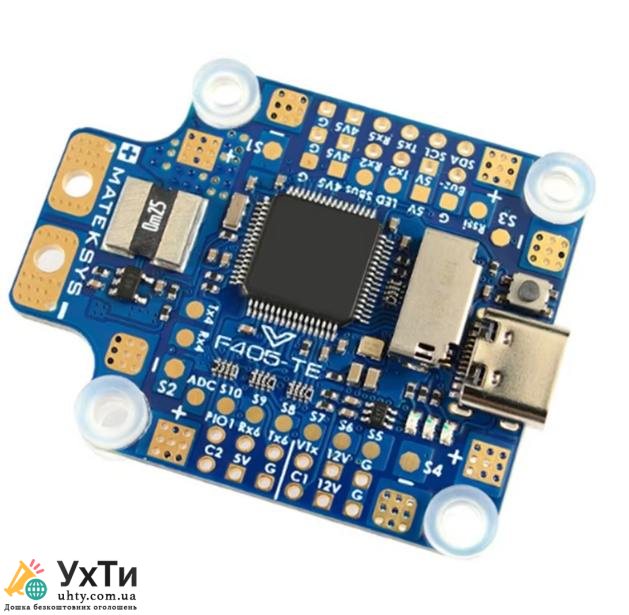
In the world of drones and quadcopters, flight controllers play a key role in ensuring stability and control. Among the popular manufacturers, Matek stands out - a brand that offers a wide range of flight controllers for various tasks. In this article, we will take a detailed look at how to choose the best Matek controller depending on your needs. For a more detailed overview, we recommend that you refer to Matek flight controllers comparison.
Why is choosing a flight controller important?
The flight controller is the brain of your drone. It determines how stable the aircraft will move, how it will respond to commands, and what functions will be available. Matek offers models that meet the needs of both beginners and professional pilots.
Key Features of Matek Flight Controllers
- Processors and performance Matek equips its controllers with modern processors (STM32), which provide fast data processing. It is important to understand that the more powerful the processor, the more capabilities your drone has.
- Firmware compatibility Matek controllers support popular Betaflight, iNav, and Ardupilot firmware, allowing you to customize the drone for specific tasks.
- Additional features Many models offer features such as GPS, barometer, motion sensor support, and telemetry.
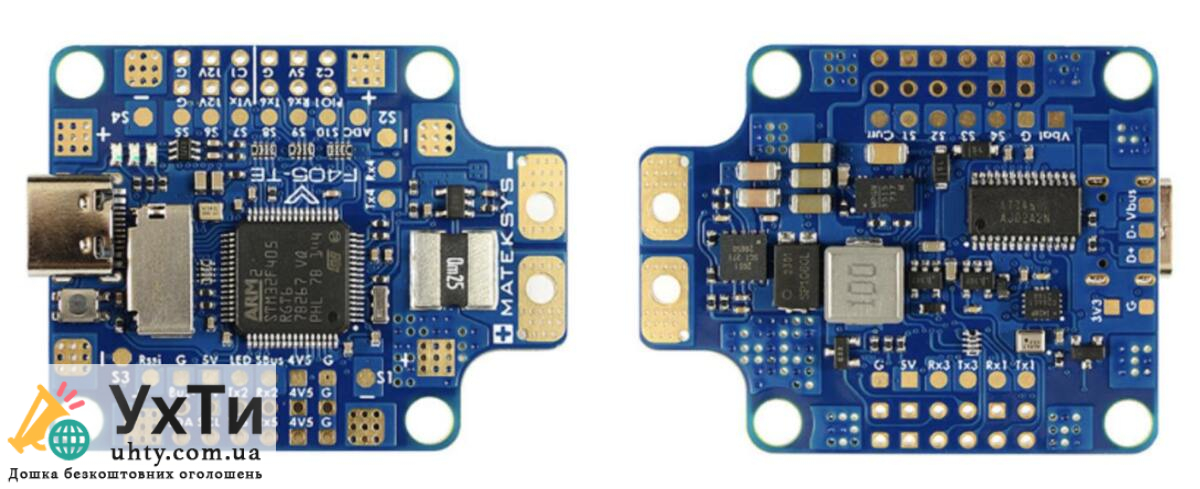

Overview of popular Matek models
1. Matek F405-STD
- Processor: STM32F405
- GPS and telemetry support
- Perfect for freestyle
2. Matek F722-WPX
- Processor: STM32F722
- Built-in barometer
- Optimal for long flights
3. Matek H743-Slim
- High performance
- Suitable for complex autonomous missions
How to choose a Matek flight controller?
- Rate the type of drone:
- For racing drones, we recommend the Matek F405 due to its high performance.
- For FPV projects, the F722 with flexible settings is better suited.
- The H743 will be the choice for large or industrial drones.
- Consider your level of experience:
- Beginners will find simpler models like the F722 suitable.
- For professionals, the H743 offers advanced capabilities.
- Pay attention to additional features:
- GPS, barometer or telemetry can be critical for certain tasks.
Matek controller setup instructions
- Download the Betaflight or iNav program.
- Connect the controller to your computer via USB.
- Configure the basic settings: select the drone type, perform calibration.
- Connect the necessary sensors, such as GPS or barometer.
- Perform a test flight to verify the settings.
Matek offers solutions for every level of flight difficulty, making flight controllers accessible to everyone, from beginners to professionals. The variety of models allows you to choose the perfect solution for your drone, ensuring stability, performance and reliability in flight.

